One photo to a campaign, in fifteen steps.
The prompts, director boards and checklists we use, in the order we use them. Start at step 01 with one clean photo of your product; by step 13 it’s a film, and step 15 checks every image. No email, no sign-up.
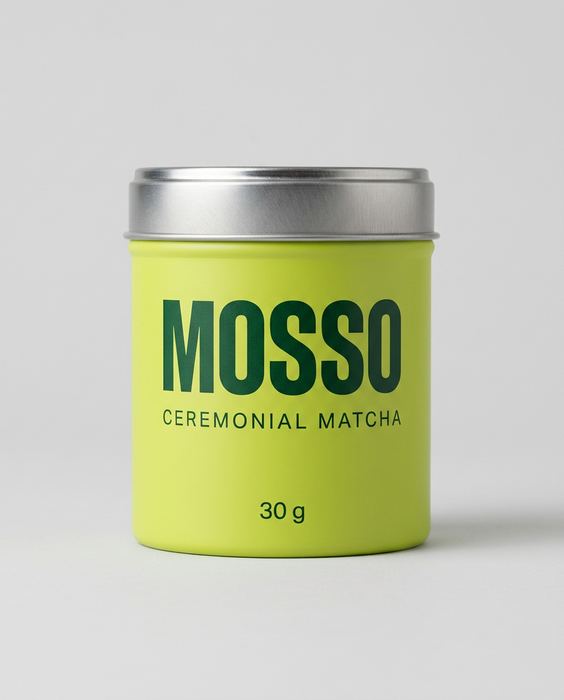
One clean photo
Phone is fine: daylight from a window, a plain wall or sheet behind, the label facing the camera and sharp. No flash.
An image AI that takes a photo
Gemini or ChatGPT both work. Upload your photo first, then paste the prompt.
Paste, generate, check
One prompt per image. Before you use one, check the label against your real product, letter by letter.
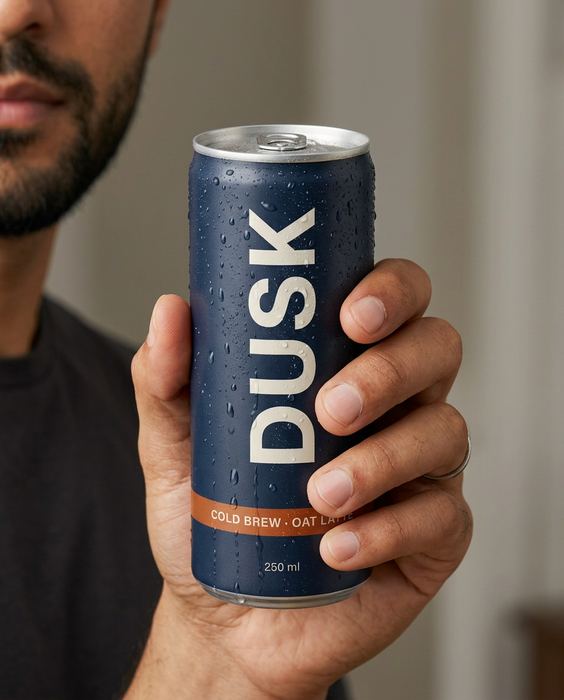 Step 01 · Start here
The AI product image checklist
Lock the product, go close, test the colour, build the world. The checks we run on every set.
[ Open the guide → ]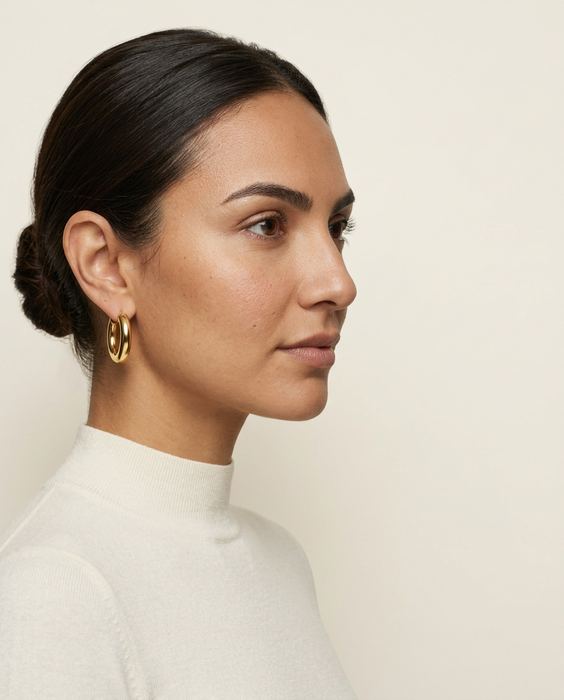 Step 02
Brief it like a campaign
Purpose, composition, light, style: the four lines we write before every prompt, one shot each.
[ Open the guide → ]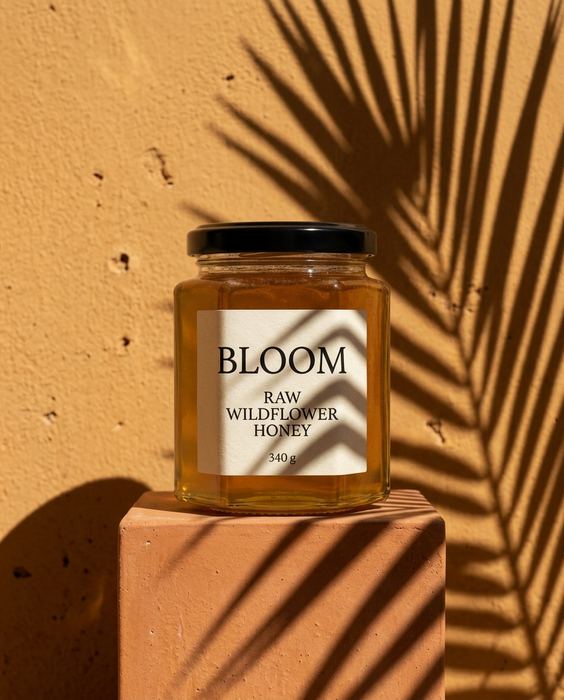 Step 03
5 scenes that sell any product
Window light, hard shadow, the pour, in hand, the table: five prompts for anything you sell.
[ Open the guide → ]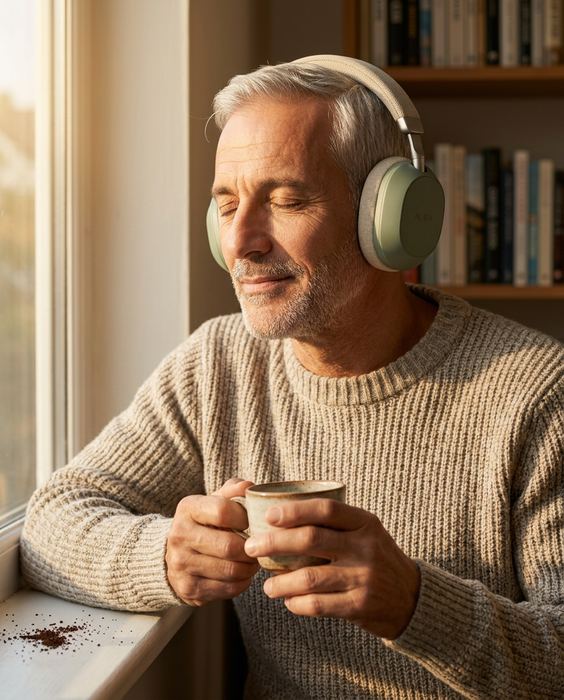 Step 04
The anatomy of a real-looking prompt
Who, what, scene, light, lens, one flaw. The full prompt behind the AURA image, part by part.
[ Open the guide → ]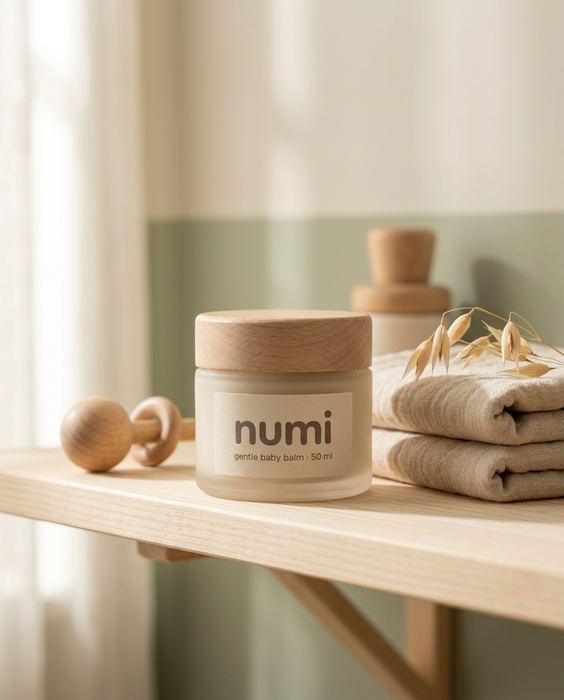 Step 05
Don't copy a prompt. Build a world.
Palette, light, place and props written once, then used in every shot, so the set reads as one brand.
[ Open the guide → ]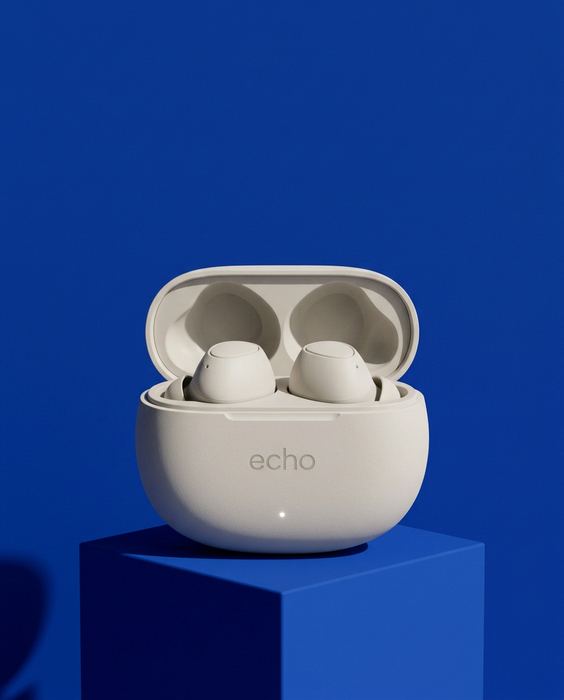 Step 06
Your backdrop is talking
Sage, cobalt, blush and black: what each backdrop colour says, the light that goes with it, and the one to avoid.
[ Open the guide → ]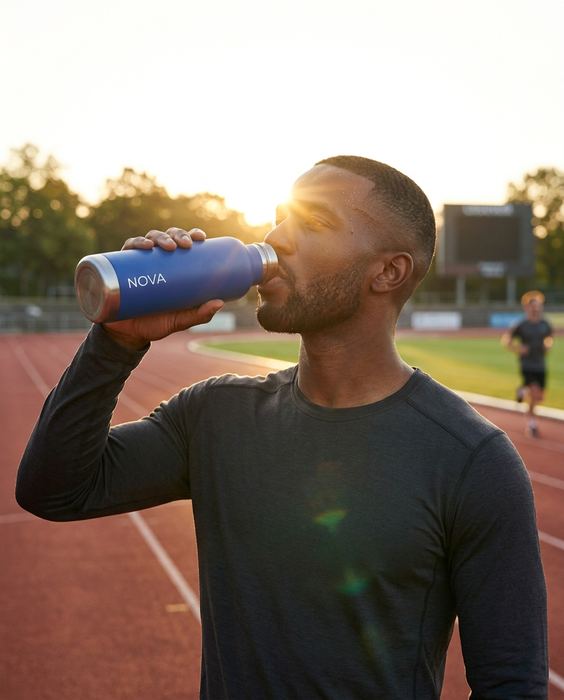 Step 07
4 candid prompts that look real
The track, the gym, the commute, the desk. How to make on-model shots read as real life.
[ Open the guide → ]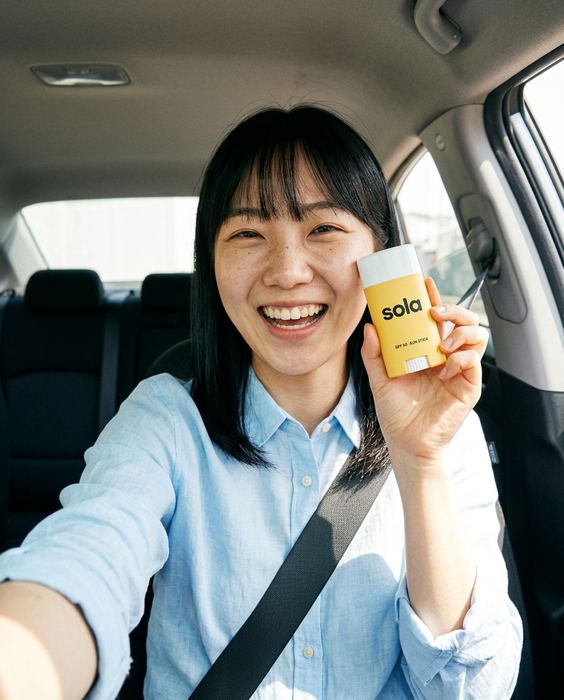 Step 08
Your ad looks too perfect
A car selfie, a flash photo, the beach bag, in hand: four prompts that look shot on a phone.
[ Open the guide → ]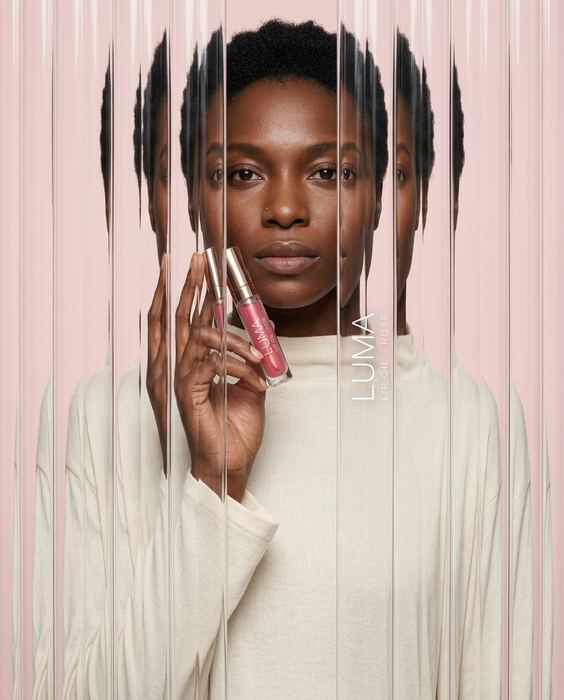 Step 09
4 AI effects worth stealing
Fluted glass, anti-gravity, motion blur and acrylic paint, with the label still readable.
[ Open the guide → ]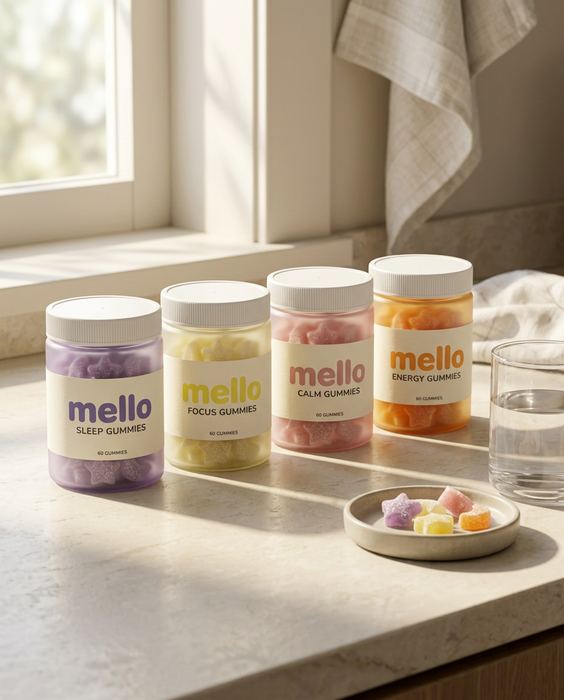 Step 10
One photo, a whole brand kit
The guide, every variant in one look, the listing image and the launch banner, from one packshot.
[ Open the guide → ] Step 11
Every ad size, one product
Stories, feed, square, banner and product page: the sizes, and what to keep clear in each.
[ Open the guide → ]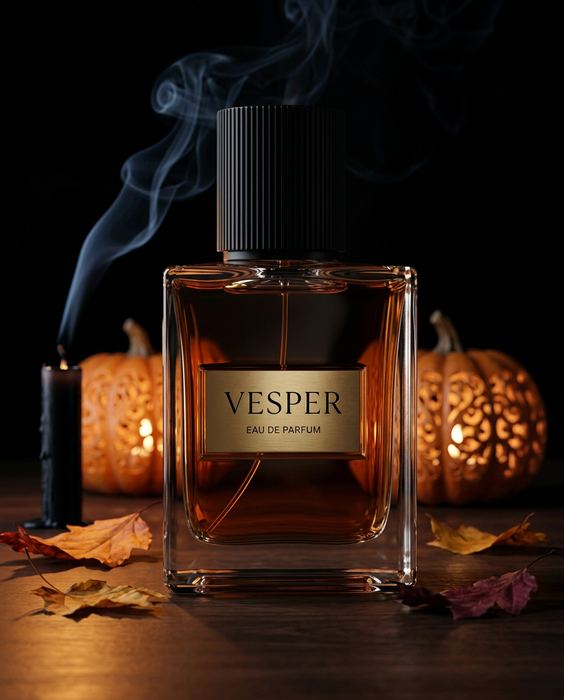 Step 12
One photo, every Q4 campaign
Halloween, Black Friday, Christmas, New Year: four campaigns from one packshot, and when each must be live.
[ Open the guide → ]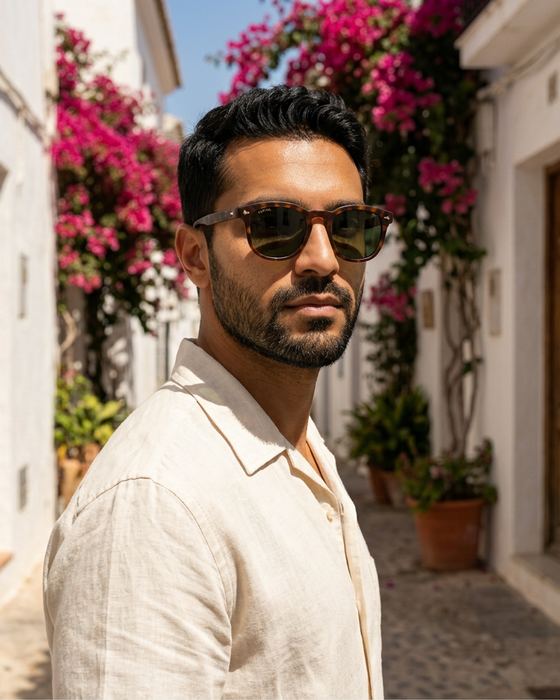 Step 13
Director board: one packshot to a film
The eight-shot plan, every still and clip, and the animation prompt behind the KESTREL film.
[ Open the guide → ]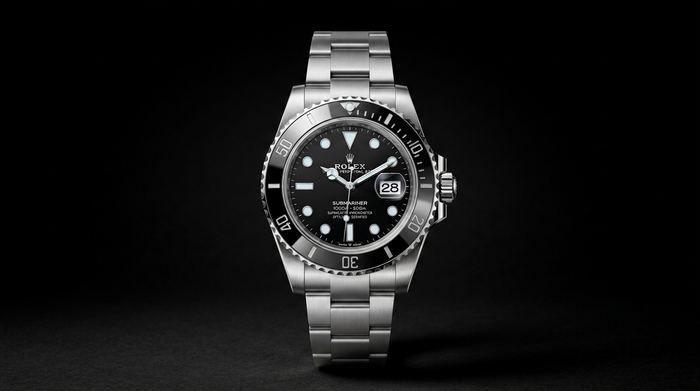 Step 14
A luxury watch film, from one packshot
Seven shots, the prompt behind each, and the one rule that keeps the dial from morphing. An unofficial concept.
[ Open the guide → ]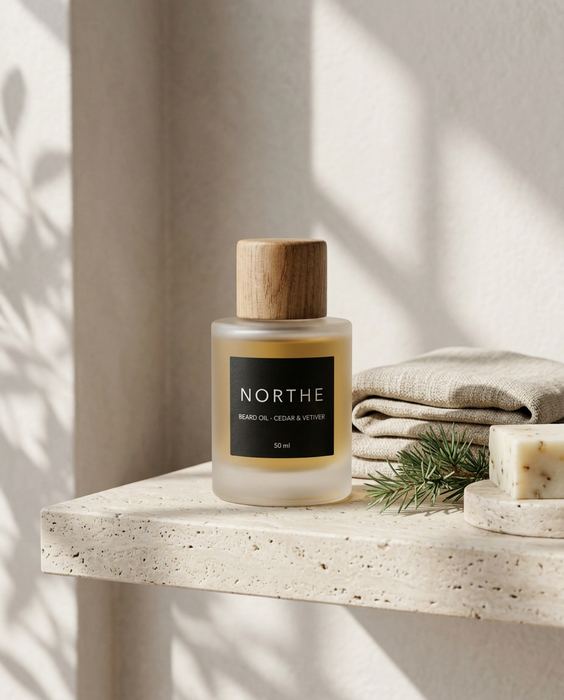 Step 15
5 AI mistakes we caught
Three hands, a misspelt label, impossible physics, the wrong build order and video drift, with the check for each.
[ Open the guide → ]The thinking behind the prompts.
This gets you most of the way.
The last part is where most sets fall apart. It’s the part we do, from $199.
- Where it breaksWhat we do
- The label drifts. A letter changes, the logo moves, the colour shifts.We check every image against your real product, word for word.
- Hands and faces go wrong. An extra finger, or a face that changes from shot to shot.We count, crop and redo before you see anything.
- The set doesn’t match. Light, colour and the model wander from image to image.One art direction across the whole set, so it reads as one campaign.
- Video drifts. Clips morph after a few seconds.We plan the shots, keep the clean seconds and cut it on the beat.