AI product photography for baby brands: a calm, honest set without a baby in the frame
How we make AI images for baby brands: one soft world written once, adult hands instead of AI babies, real textures, and what parents need to see for real.
Baby brands sell to the most careful buyer there is. A parent looking at a baby balm, a bottle or a muslin cloth is asking one question before any other: can I trust this with my child? The images have to answer it. They need to look calm, clean and real, and nothing in them can feel staged or strange.
So baby product photography ideas are a steady search, and AI is now part of it. The top results today are mostly stock photo libraries and a photographer's portfolio. We couldn't find a real guide to doing it with AI, and the obvious first prompt, "a baby with the product", is exactly where AI goes wrong.
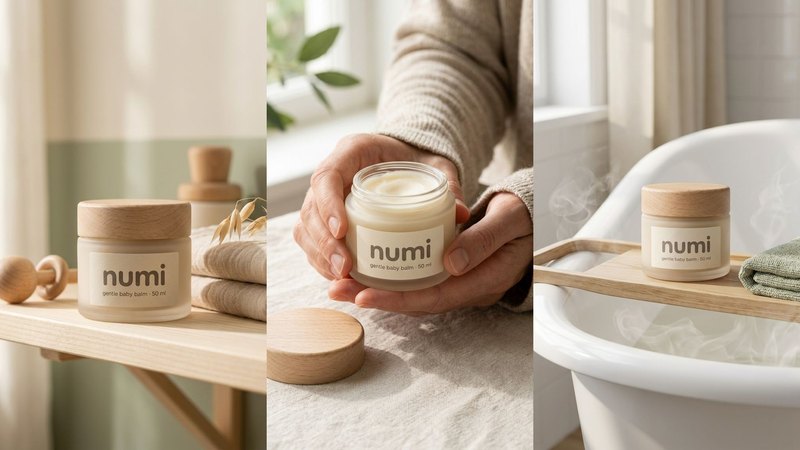
We make AI product images and video ads for DTC brands. To learn what holds up for baby care, we invented NUMI, a gentle baby balm in a frosted glass jar with a light wooden lid and a cream label, and built a set from one packshot. NUMI is a concept brand, not a client. Here's what it taught us.
1. Leave the baby out
There is no baby in any NUMI image. That was the first decision, and it made everything else easier.
AI babies are where generated images fall apart. Proportions drift, skin turns waxy, eyes look too old, and hands do things no infant's hands do. Parents spend all day looking at a real baby, so they notice in a second, and a strange baby next to your product makes the product feel strange too.
What NUMI shows instead is the world around the baby: the nursery shelf, bath time, a picnic blanket, and adult hands holding the jar. A parent fills in the rest. If your brand needs a real baby in the frame, use a real photo, with the parents' written consent.
2. Start from one honest packshot
Every scene copies the jar from somewhere, so that somewhere has to be right. For NUMI the input was one plain front view: the jar on a soft grey background, label square to the camera, even light. A sharp phone photo with true colour is enough.
Then check every image against it. Baby products drift in a few predictable places:
- the label text: the brand, "gentle baby balm" and "50 ml". AI likes to swap a letter or a number, so read every word,
- the lid: NUMI's is light wood with a visible grain. If it turns into white plastic, it's a different product,
- the jar: frosted glass that shows the balm faintly through it. Clear glass or a plastic tub is a different pack.
If any of that changes, fix it or make the image again. A parent who orders the jar in the picture should get the jar in the picture.
3. Write the world once, then use it everywhere
Most baby brand sets look like stock photos because they're made from copied prompts: pastel backdrops, plastic flowers, a teddy bear. For NUMI we wrote one world sheet before the first prompt, and every image uses it:
- Palette: oat, cream and soft sage. Nothing else.
- Light: soft morning window light, from the left.
- Places: the nursery, the bath, outdoors.
- Props: muslin, light wood, cotton, knit.
Every prompt ends with the same words: "the same oat, cream and sage palette, soft morning light." That one line is why five different scenes still look like one brand. The world sheet and every NUMI prompt are in Don't copy a prompt, build a world.
4. Five scenes that tell a parent where it lives
A baby balm isn't used in a studio. It's used at changing time, after the bath, on a blanket in the park. NUMI's five scenes each show one of those moments:
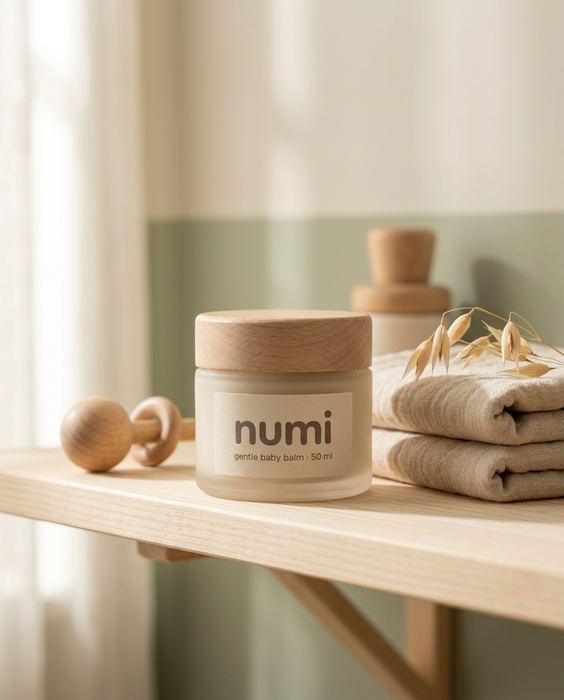
1. The nursery: the jar on a pale wooden shelf beside folded muslin cloths, a small wooden rattle and a sprig of dried oat grass. Where it lives.
2. In hand: two adult hands in an oat knit sleeve hold the open jar towards the camera, so you can see the balm inside. The texture, and the size.
3. Bath time: the jar on a wooden bath tray across a white tub, a folded sage towel and a sea sponge beside it, a little steam. The moment it's used.
4. Flat lay: top-down on cream linen, the lid off beside the jar, a muslin cloth, a wooden teether ring and cotton flowers. Every prop in the palette.
5. Outdoors: the jar on an oat linen picnic blanket on grass, dappled morning sun, a woven basket. Another place, the same world.
The in-hand image does a lot of work. A parent wants to know how big the jar is and what the balm looks like, and adult hands answer both without a baby in sight. We checked those hands at full size: five fingers each, nails that belong to the same person. You can see the full NUMI set in our work.
5. Real textures, a little mess
Baby products photograph best when they look lived with. Perfect, glossy, empty rooms read as an ad. Folded muslin with a crease, a damp towel, steam over the bath and grass that isn't trimmed read as a real home.
AI likes everything clean. Name the texture you want ("soft creases", "a little steam", "a well-used wooden tray") and it stops making a showroom. For more scene ideas that work on any product, see 5 scenes that sell any product.
Where we wouldn't use AI for baby brands
This is the part most AI tool pages leave out, and parents check it harder than anyone.
- Babies and children. Don't generate them. If a child appears, it should be a real photo with the parents' written consent.
- Skin results. Before-and-after images of eczema, rashes or dry skin are claims about health. They must come from real, documented cases, or not appear at all.
- Safety and certification marks. Dermatologist tested, hypoallergenic, organic: use the real marks, placed by your designer, only if you hold them.
- What's inside the jar. The balm in the in-hand image must look like the real balm: its colour, its thickness, its shine.
- Your customers' reviews. Parent reviews and "our families" posts should show real people with your real product, never generated ones.
Where a platform or market requires AI disclosure, apply it. Labelled, honest, good-looking images still sell.
What it costs, roughly
A studio shoot for a baby care set like this typically runs $2,000 or more and takes 2–3 weeks, with the product posted to the studio. Doing it yourself with ChatGPT or Gemini costs a subscription and your time, and you check every label and every hand yourself. Our Pilot is $199 for 8 images and a 15-second vertical video in 5 days, made from the photo you already have. Here's the side-by-side comparison.
Do it yourself, free
Everything above is written out step by step, with the exact prompts, in our free library (no email, no sign-up). Start with the AI product image checklist: lock the product, go close, test the colour, build the world.
If you'd rather we did it, send one photo of your product and we'll send back a direction.
The free guides behind it.
 Step 05
Don't copy a prompt. Build a world.
Palette, light, place and props written once, then used in every shot, so the set reads as one brand.
[ Open the guide → ]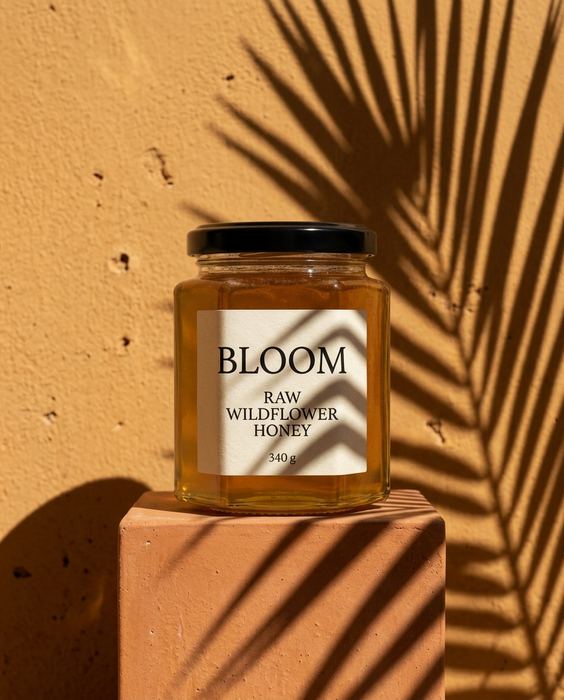 Step 03
5 scenes that sell any product
Window light, hard shadow, the pour, in hand, the table: five prompts for anything you sell.
[ Open the guide → ]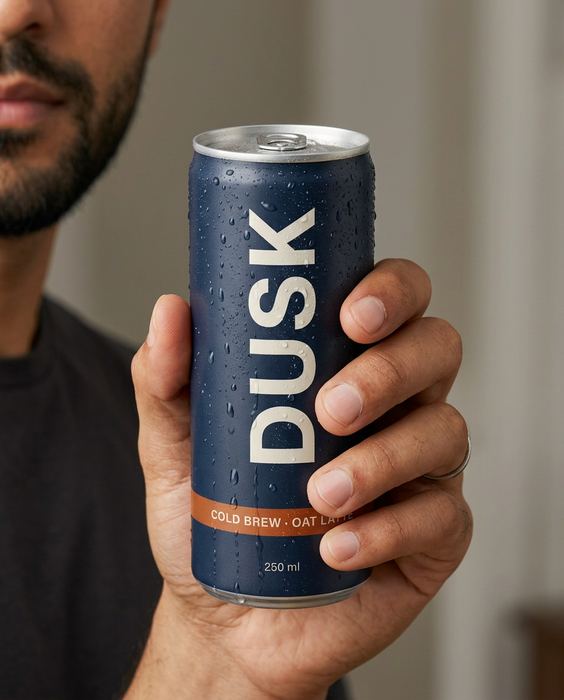 Step 01 · Start here
The AI product image checklist
Lock the product, go close, test the colour, build the world. The checks we run on every set.
[ Open the guide → ]