AI ghost mannequin product photography: one hanger photo to a full apparel set
How we turn one phone photo of a hoodie into ghost mannequin images with AI: front, back, angle, detail and flat lay, plus the checks clothing brands need.
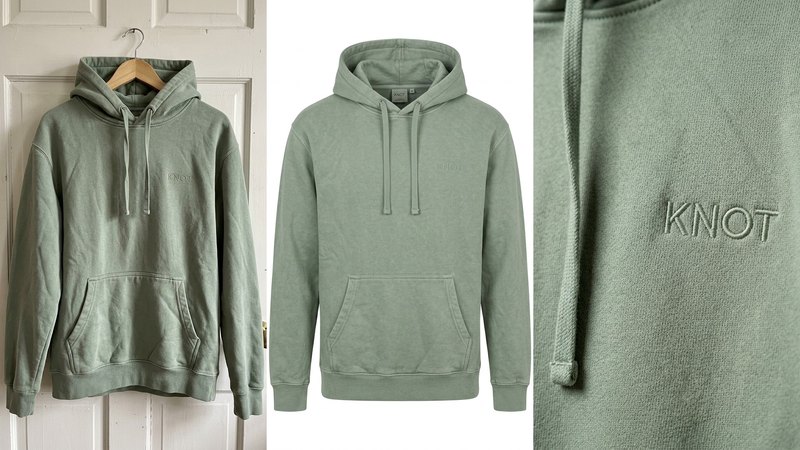
Clothing doesn't sell flat. A hoodie on a hanger looks like a sack, and a hoodie on a plastic mannequin looks like a shop window. The ghost mannequin look fixes both: the garment stands on its own, filled out as if someone were wearing it, with nobody inside. It's the standard image on most apparel stores for a reason. It shows the fit and the shape, and nothing distracts from the product.
The classic way to get it is slow. A studio dresses a mannequin, photographs the front, the back and the inside of the neck, then an editor removes the mannequin and stitches the pieces together. Every colourway goes through the same steps.
We make AI product images and video ads for DTC brands. To see how far AI gets with the ghost mannequin look, we invented KNOT, a heavyweight cotton hoodie in washed sage green with a small tonal "KNOT" embroidered on the chest, and built a full set from one phone photo. KNOT is a concept brand, not a client. Here's what it taught us.
1. Start from the photo you already have
The input was the photo almost every small clothing brand already has: the hoodie on a wooden hanger against a bedroom door, flat indoor light, a bit off-centre. No studio, no mannequin.
That's enough, with one condition: the photo has to show the garment honestly. True colour, every part visible (hood, drawstrings, pocket, cuffs, hem), and the logo sharp enough to read. If the colour is off in the input, it will be off in every image after it.
2. Write down what can't change
Before the first prompt, list the details a customer will check when the parcel arrives. For KNOT:
- the colour: washed sage green, not mint, not grey,
- the logo: small tonal "KNOT" embroidery on the left chest, same size, same place,
- the drawstrings: flat cotton, plain tips, no metal,
- the construction: kangaroo pocket, ribbed cuffs and hem, dropped shoulder seams.
Every prompt starts by telling the model to keep these exactly as in the reference photo. Then check every image against the list. AI likes to move a logo, add a zip, change the drawstring tips or turn a heavyweight fleece into a thin jersey. Each of those is a different product, and a return.
3. Five images from one photo
From the hanger photo we made five:
1. Front, ghost mannequin: the hoodie filled out on pure white, hood standing behind the neck, sleeves hanging naturally. The main listing image.
2. Back, ghost mannequin: the same shape from behind, with the hood resting on the back. Buyers want to see the hood.
3. Three-quarter angle: the side seam and the sleeve, so the fit reads in three dimensions.
4. Detail: a close-up of the chest with raking light across the embroidery and the cotton loopback. This is the image that sells the weight of the fabric.
5. Flat lay: the hoodie folded on warm linen beside a mug, a plain book and a cotton tote. One lifestyle image for Instagram and the product page.
The first four sit on the same white background with the same soft light, so they line up in a grid next to every other product in the store.
4. Where AI ghost mannequin images go wrong
Most of what goes wrong is easy to spot if you know where to look:
- The inside of the neck. In a real ghost mannequin image you see the inside back of the collar or hood. AI sometimes closes it up, or fills it with a strange shape. Look there first.
- The shape. A garment that's too full looks inflated, like a balloon. A small amount of drape at the sides and sleeves keeps it believable.
- Text. The logo is the most common thing to drift. On KNOT the tonal embroidery came out faint on the front view, which is true to tonal stitching but means you should also have the detail shot. Any props with text (a book cover, a label) can come back as gibberish. We had to remake the flat lay once for that.
- The fabric. Heavyweight cotton should look heavy: soft folds, thick ribbing. If it looks shiny or thin, the prompt needs the fabric named.
Where we wouldn't use AI for clothing
This is the honest part, and clothing brands need it more than most because returns cost so much.
- Fit and size. AI can show the shape of a hoodie, but it can't tell a customer whether a medium fits them. Size charts, measurements and real try-on photos should come from the real garment.
- Exact colour across colourways. If you sell eight colours, check each one against the real fabric under daylight. AI colour is close, not guaranteed.
- Fabric claims. Weight in GSM, organic cotton, recycled content: state them in words, from your supplier's specs. An image can suggest "heavy", it can't prove it.
- Your customers. Reviews and "worn by you" posts should show real people in your real product.
Where a platform or market requires AI disclosure, apply it.
What it costs, roughly
Studios usually price ghost mannequin work per garment and per angle, and you post the samples to them. Doing it yourself with ChatGPT or Gemini costs a subscription and your time, and you check every logo and seam yourself. Our Pilot is $199 for 8 images and a 15-second vertical video in 5 days, made from the photo you already have. Here's the side-by-side comparison.
Do it yourself, free
Everything above is written out step by step, with the exact prompts, in our free library (no email, no sign-up). Start with the AI product image checklist: lock the product, go close, test the colour, build the world.
If you'd rather we did it, send one photo of your product and we'll send back a direction.
The free guides behind it.
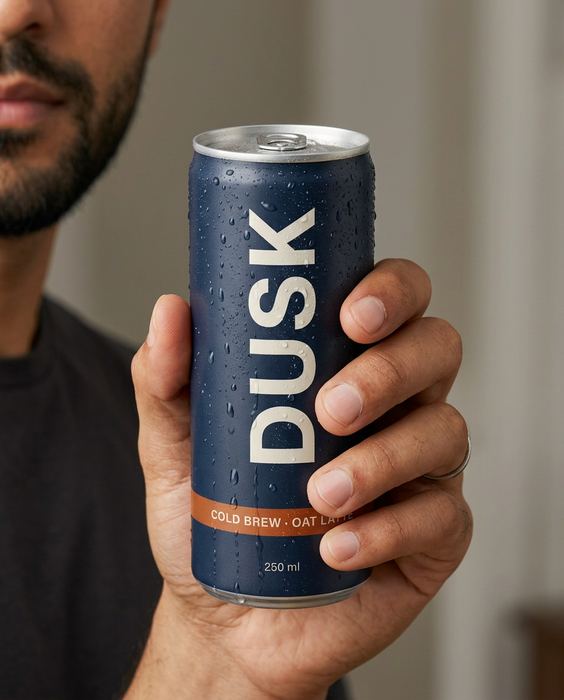 Step 01 · Start here
The AI product image checklist
Lock the product, go close, test the colour, build the world. The checks we run on every set.
[ Open the guide → ]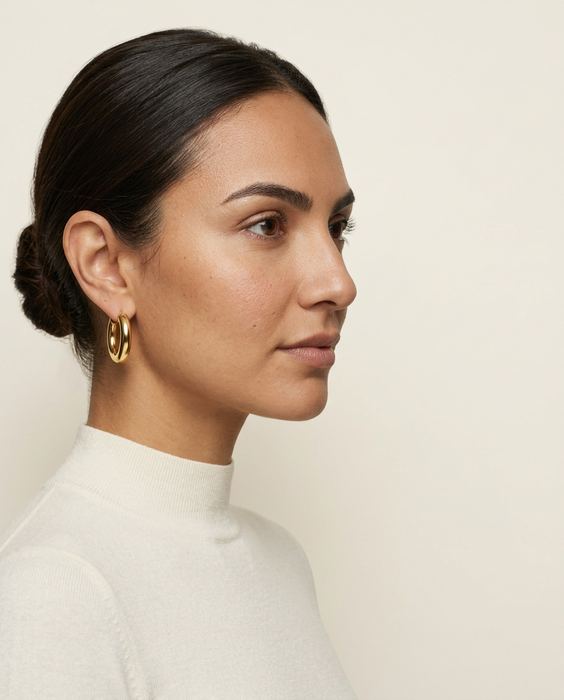 Step 02
Brief it like a campaign
Purpose, composition, light, style: the four lines we write before every prompt, one shot each.
[ Open the guide → ]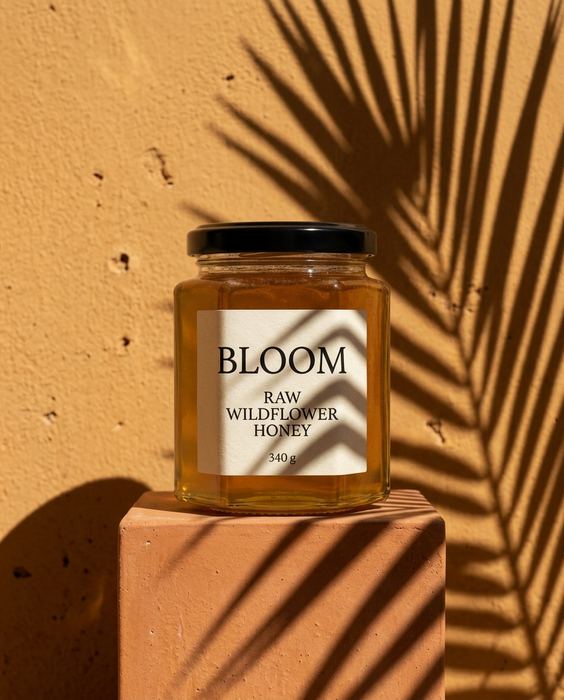 Step 03
5 scenes that sell any product
Window light, hard shadow, the pour, in hand, the table: five prompts for anything you sell.
[ Open the guide → ]