[ Free library ]/Step 01/The AI product image checklist

The AI product image checklist

The checks we run on every AI product set before it ships, from locking the label to counting fingers. Built from the MOSSO, AURELLE, OAKEN, KESTREL, DUSK and NORTHE posts.

Step 01 of 15 · Lock the productFree guide · no sign-up · updated 16 Oct 2026
00 · Before you start
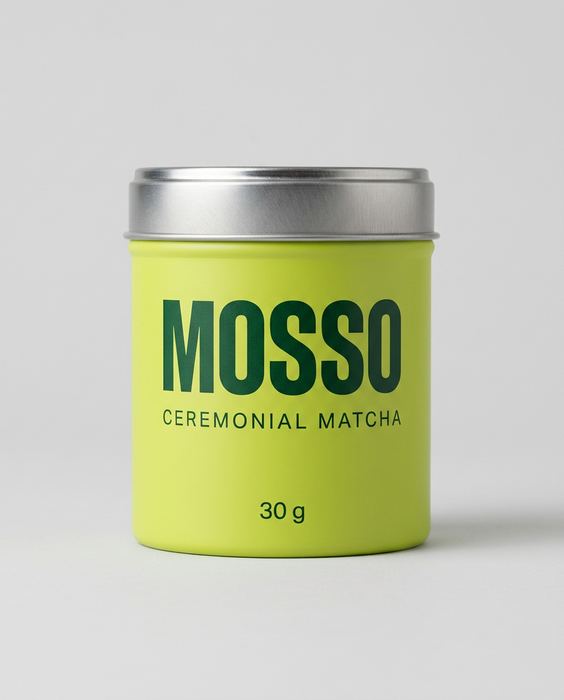
MOSSO concept: the plain packshot every image here was made from
like this
01

One clean photo

Phone is fine: daylight from a window, a plain wall or sheet behind, the label facing the camera and sharp. No flash.

02

An image AI that takes a photo

Gemini or ChatGPT both work. Upload your photo first, then paste the prompt.

03

Paste, generate, check

One prompt per image. Before you use one, check the label against your real product, letter by letter.

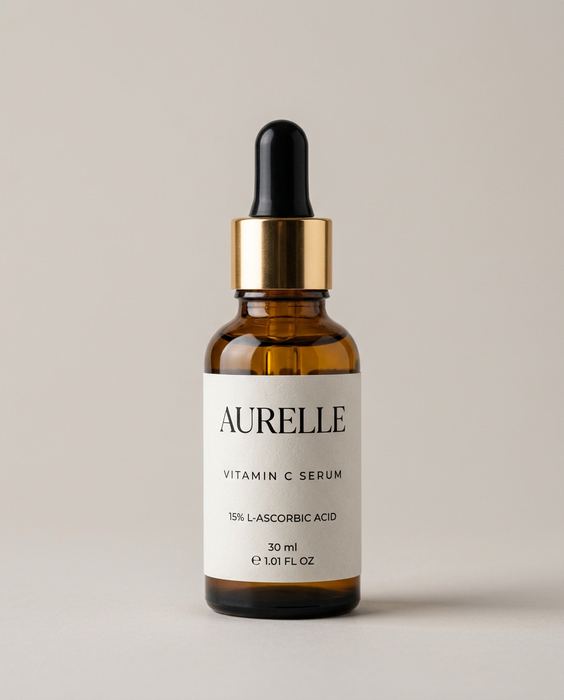
AURELLE concept brand, vitamin c serum: The packshot — the input
01

Lock the product first

  • Start from one clean, front-on photo: even light, a plain background, the label sharp.
  • Make a reference sheet (front, 3/4, top, open) and feed it into every shot.
  • Check the label word for word in every image. If a letter changes, redo that shot.
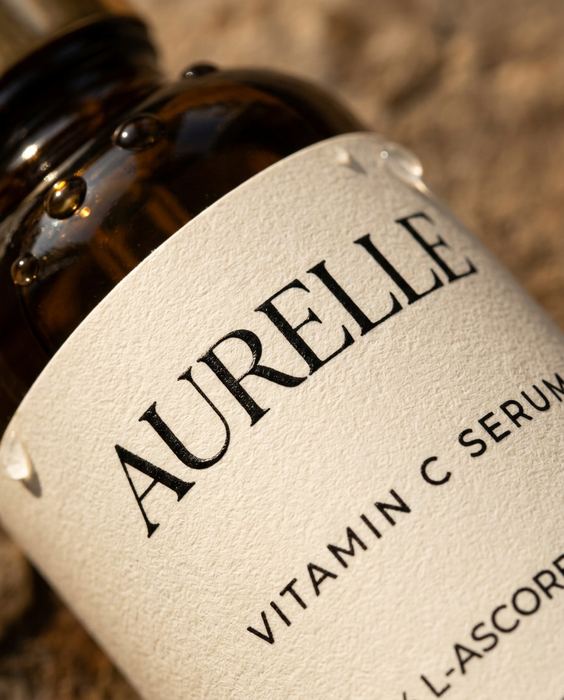
AURELLE concept brand, vitamin c serum: Label macro
02

Go close before you go wide

  • Put it in a hand or next to a face. If the label holds up there, it holds up anywhere.
  • Zoom to 200%. Look at the edges, the text and the lid.
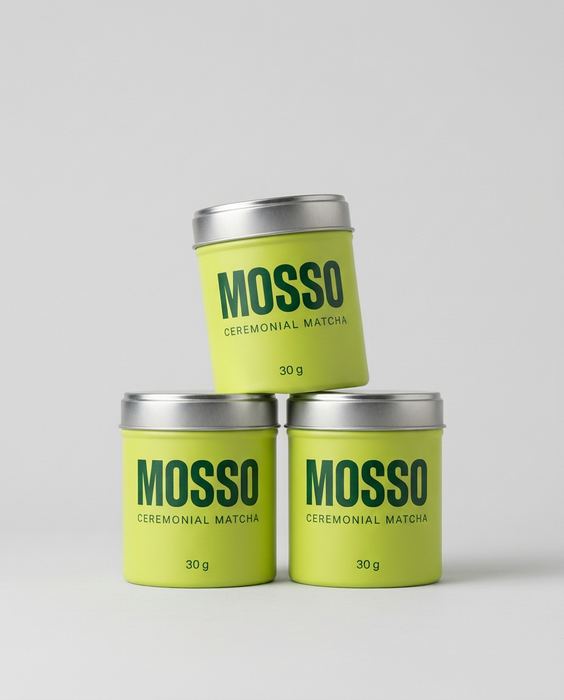
MOSSO concept brand, ceremonial matcha: Studio stack
03

Test the colour in studio light

  • A plain grey sweep and soft top light. If the brand colour drifts here, fix it now.
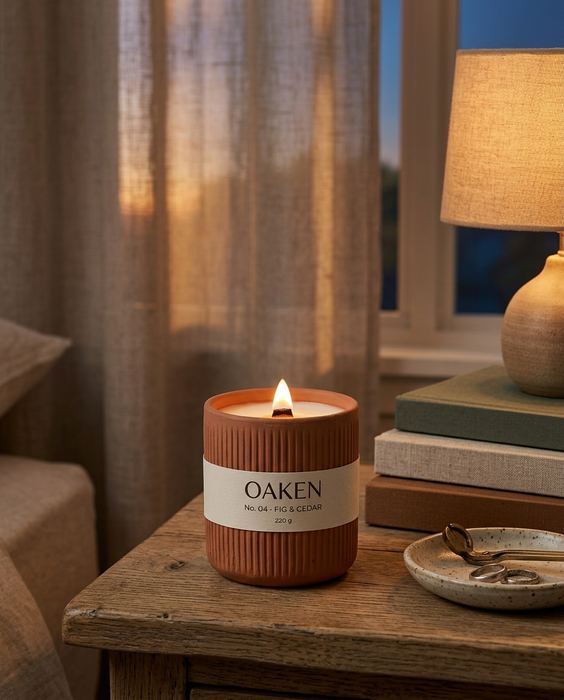
OAKEN concept brand, fig & cedar candle: Lifestyle
04

Then build the world

  • Match the light direction and warmth of the scene to the product.
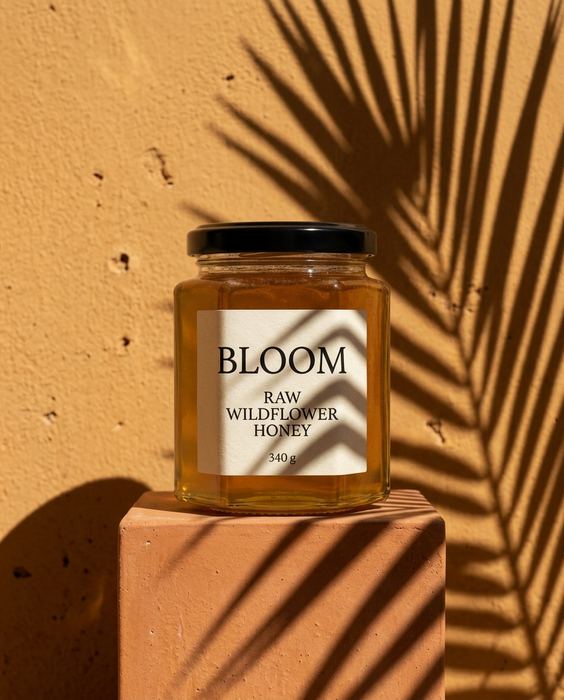
  • Add real-world texture: dust, condensation, shadows, reflections. Too clean looks fake.
  • Pick one colour world and repeat it across every shot, so the set feels like one campaign.
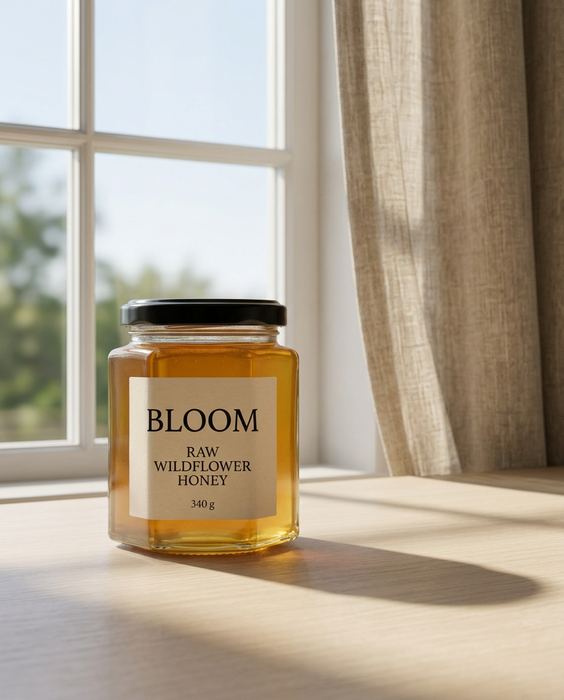
BLOOM concept brand, raw wildflower honey: Window light
05

Before you post

  • Same label, same colour, same proportions in every frame?
  • Does the product look like it’s really touching the surface (a contact shadow)?
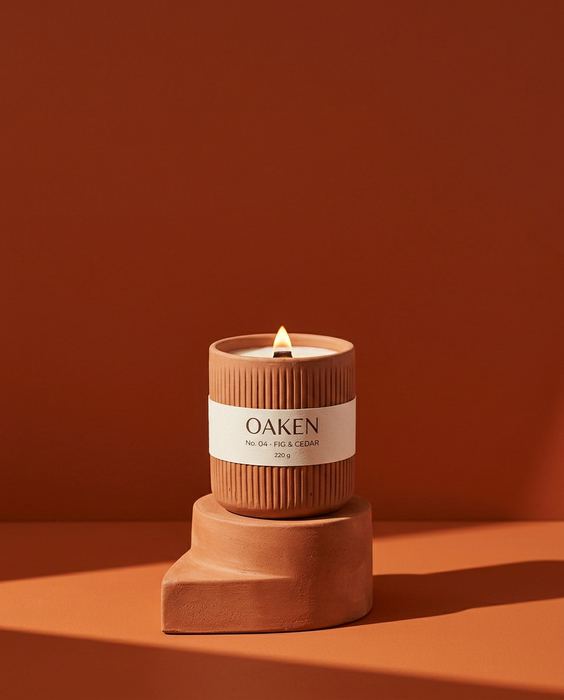
OAKEN concept brand, fig & cedar candle: The stopper
06

The launch shot list: one product, six jobs

  • Packshot: clean, front-on, for the product page and marketplaces.
  • Detail: a close-up of the texture or the pour, the “what’s it like?” shot.
  • In hand: shows the real size and works in ads and Stories.
  • Lifestyle: the moment the product creates, for the homepage and email.
  • Flat lay: the product with its ingredients or story props, for the feed.
  • The stopper: one bold colour and a hard shadow, for paid ads.
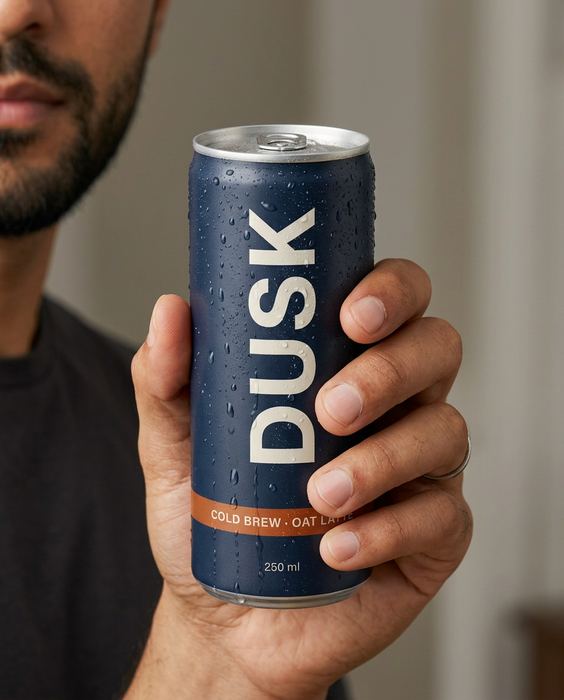
DUSK concept brand, cold brew oat latte: Hands — five fingers each
07

AI models: a person in the shot

  • Build one character sheet first: front, 3/4, profile and a smile, on a plain background.
  • Send the character sheet and the product packshot with every prompt, so neither drifts.
  • Write every prompt in the same order: who, what, light, lens, one small flaw.
  • Count the hands and fingers in every image. Crop or redo the ones that are off.
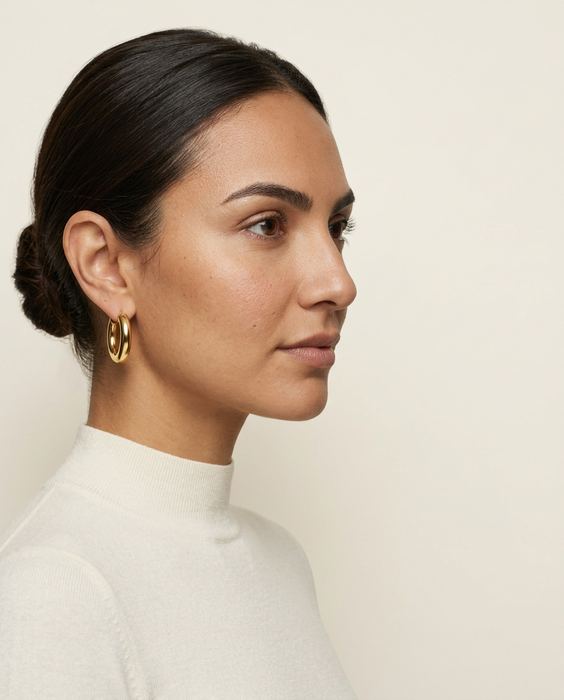
  • Ask for pores, stubble and small marks. Airbrushed skin reads as fake.
  • Zoom in on the label. AI misspells small print (we once caught “BEARO OIL”).

Tick as you go. The boxes are just for you; nothing is saved or sent.

! Where DIY stops

This gets you most of the way.

The last part is where most sets fall apart. It’s the part we do, from $199.

  • Where it breaksWhat we do
  • The label drifts. A letter changes, the logo moves, the colour shifts.We check every image against your real product, word for word.
  • Hands and faces go wrong. An extra finger, or a face that changes from shot to shot.We count, crop and redo before you see anything.
  • The set doesn’t match. Light, colour and the model wander from image to image.One art direction across the whole set, so it reads as one campaign.
  • Video drifts. Clips morph after a few seconds.We plan the shots, keep the clean seconds and cut it on the beat.
→ Want this for your product?

Send one photo.
We’ll send a direction.

Every concept from our posts: